Problem: The Mixing Station app is stuck on the “Connecting“ screen.
Try this [pictures below]:
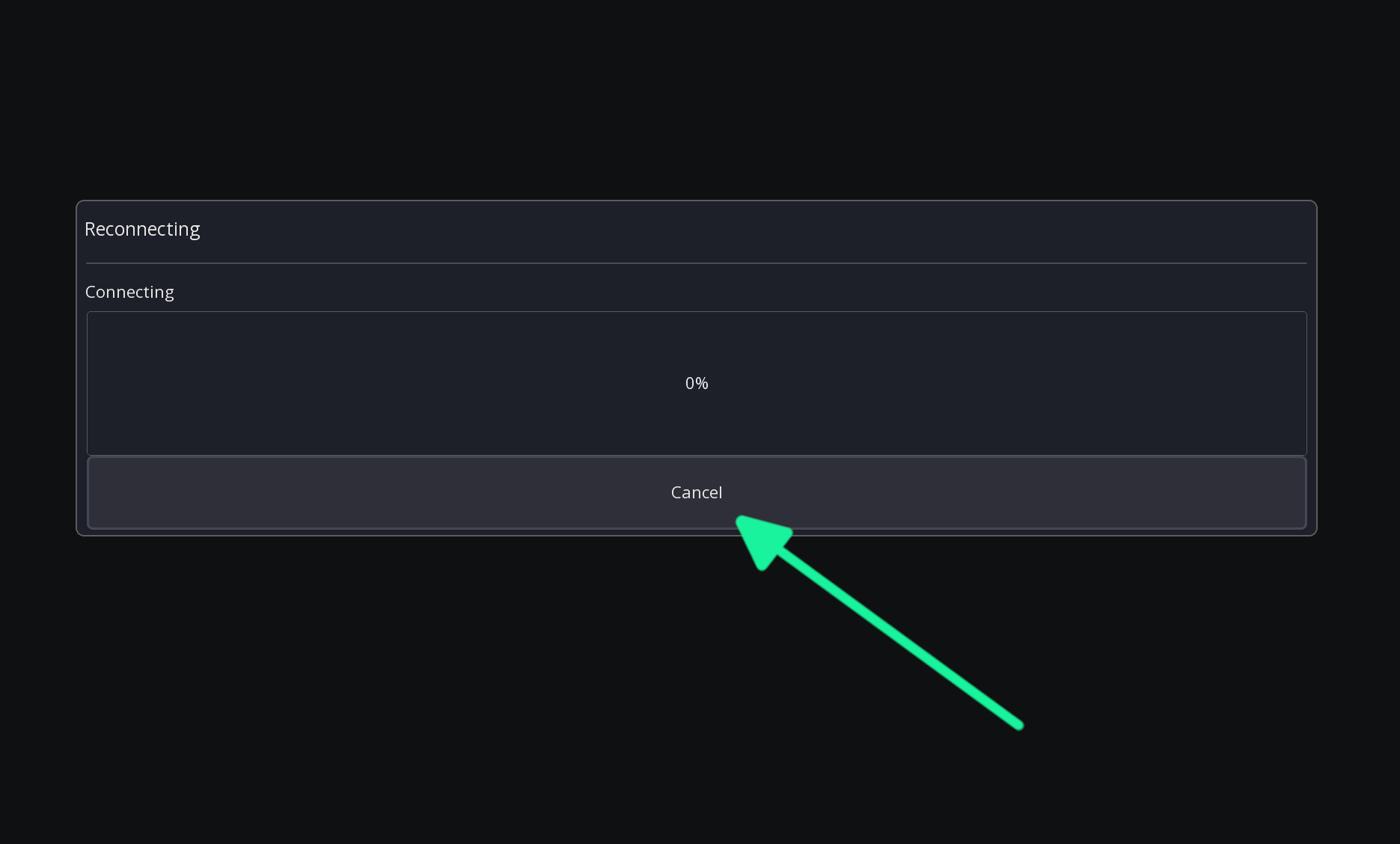
Hit “Cancel”
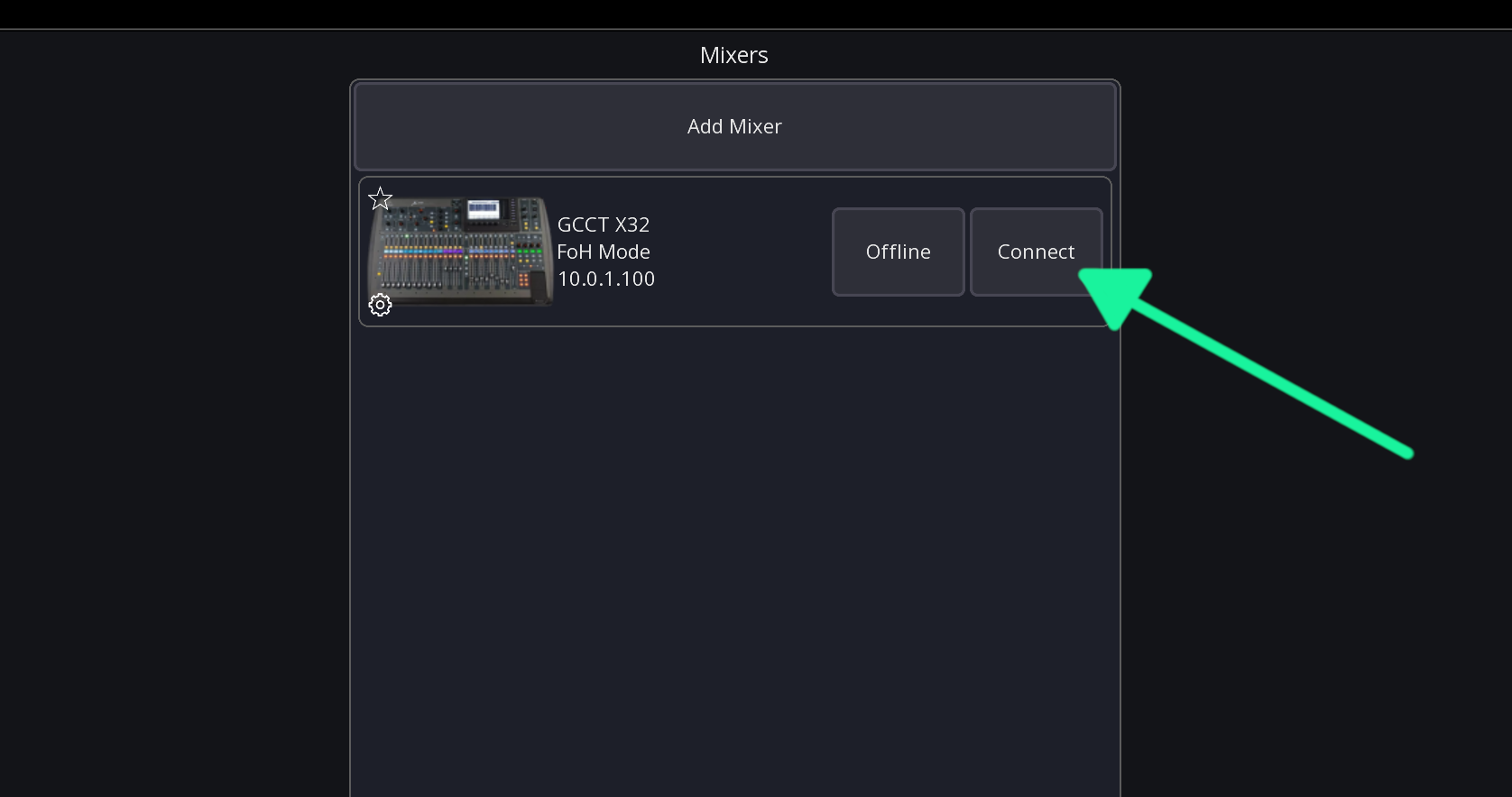
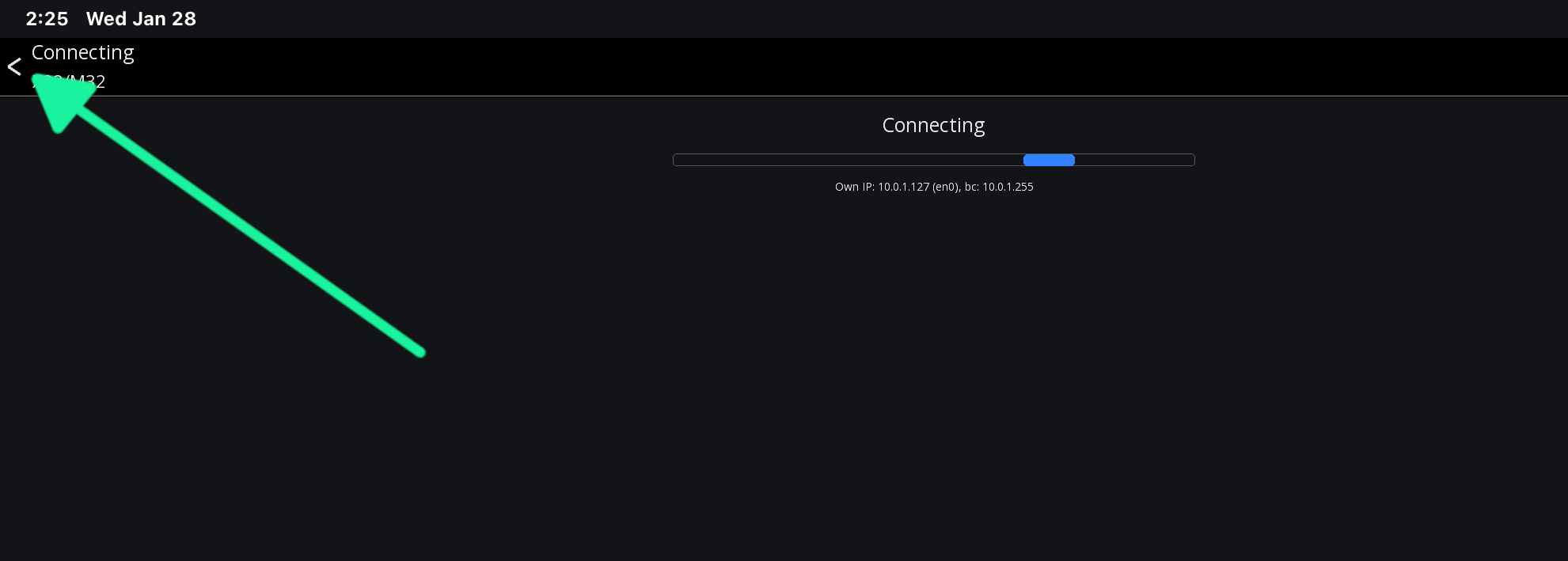
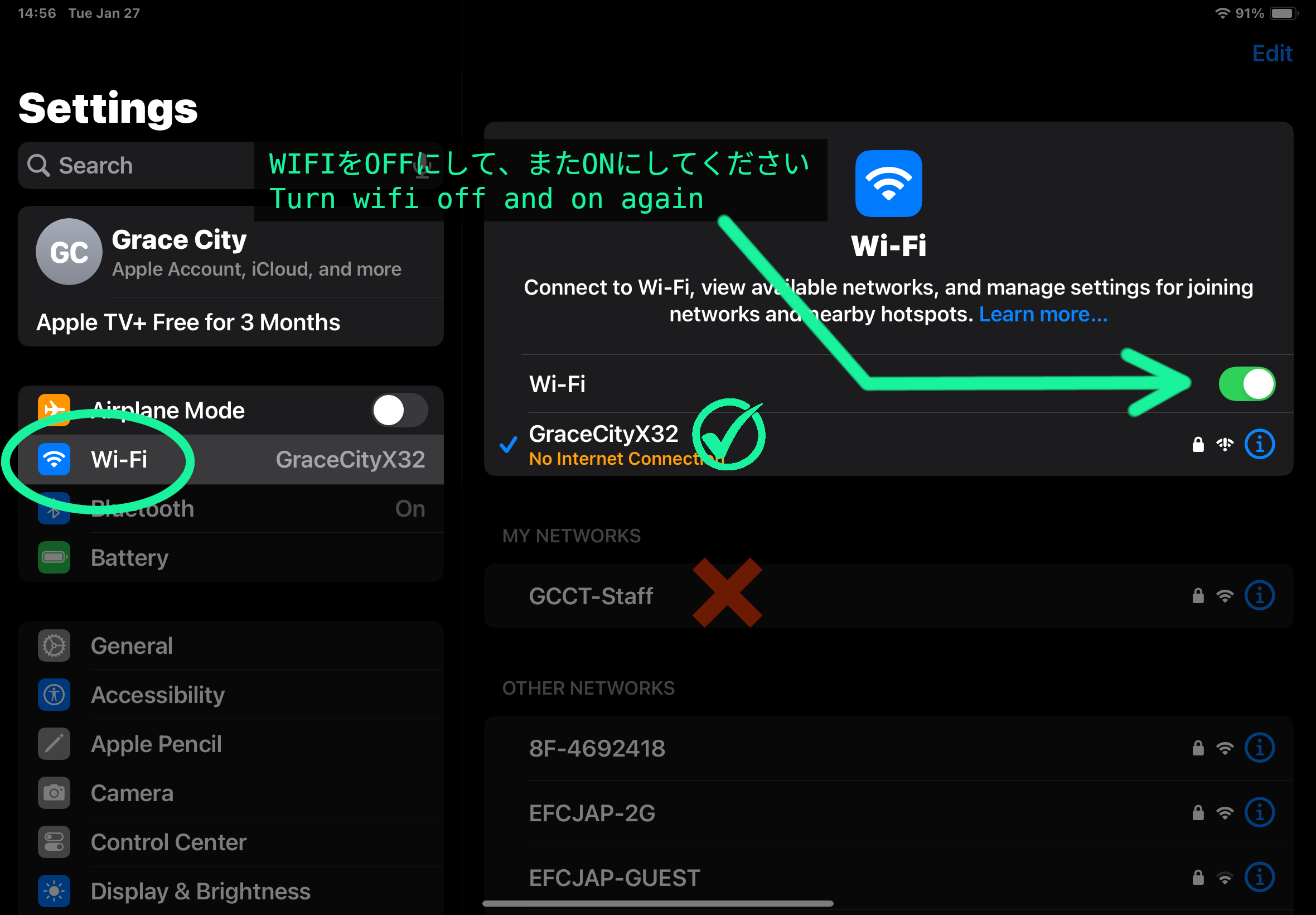
Hit “Connect“. If that doesn’t work, hit the back arrow in the top left, then turn the ipad’s wifi off and on:
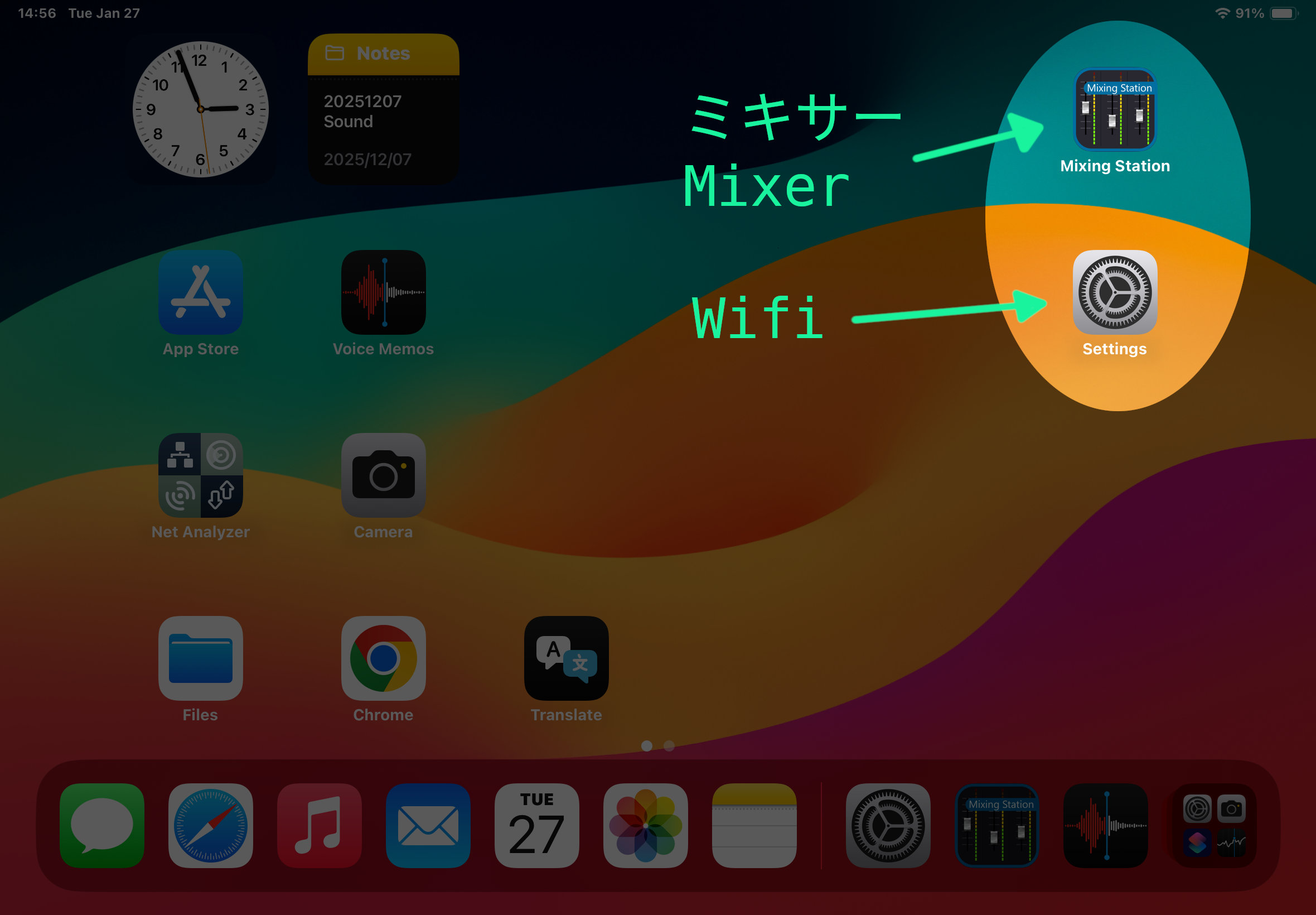
Go to the iPad home screen and open the settings (gear icon)
Go to the wifi section (should already be there)
Confirm the network is GraceCityX32. If not, switch to that one.
Turn wifi off and back on
Go back to the Mixing Station app and hit connect
ミキサーにipadを接続し直すには | Reconnecting the Ipad to the Mixer
問題:Mixing Station が「Connecting」の画面から進まない
次を試してください [写真は下記参照]:
一度「Cancel」を押す
再度「Connect」を押す
それでもダメなときは、左上の戻る矢印で一度アプリの画面を戻す
iPad のホーム画面に戻って「設定」(歯車のアイコン)を開く
「Wi‑Fi」から、今つながっているネットワークを確認
「GraceCityX32」になっていなければ、それを選ぶ
Wi‑Fi を一度オフにしてから、もう一度オンにする
もう一度 Mixing Station に戻って「Connect」を押す